Agentic Studio
Seeder
Generate realistic rows that match your schema and insert them into Postgres.
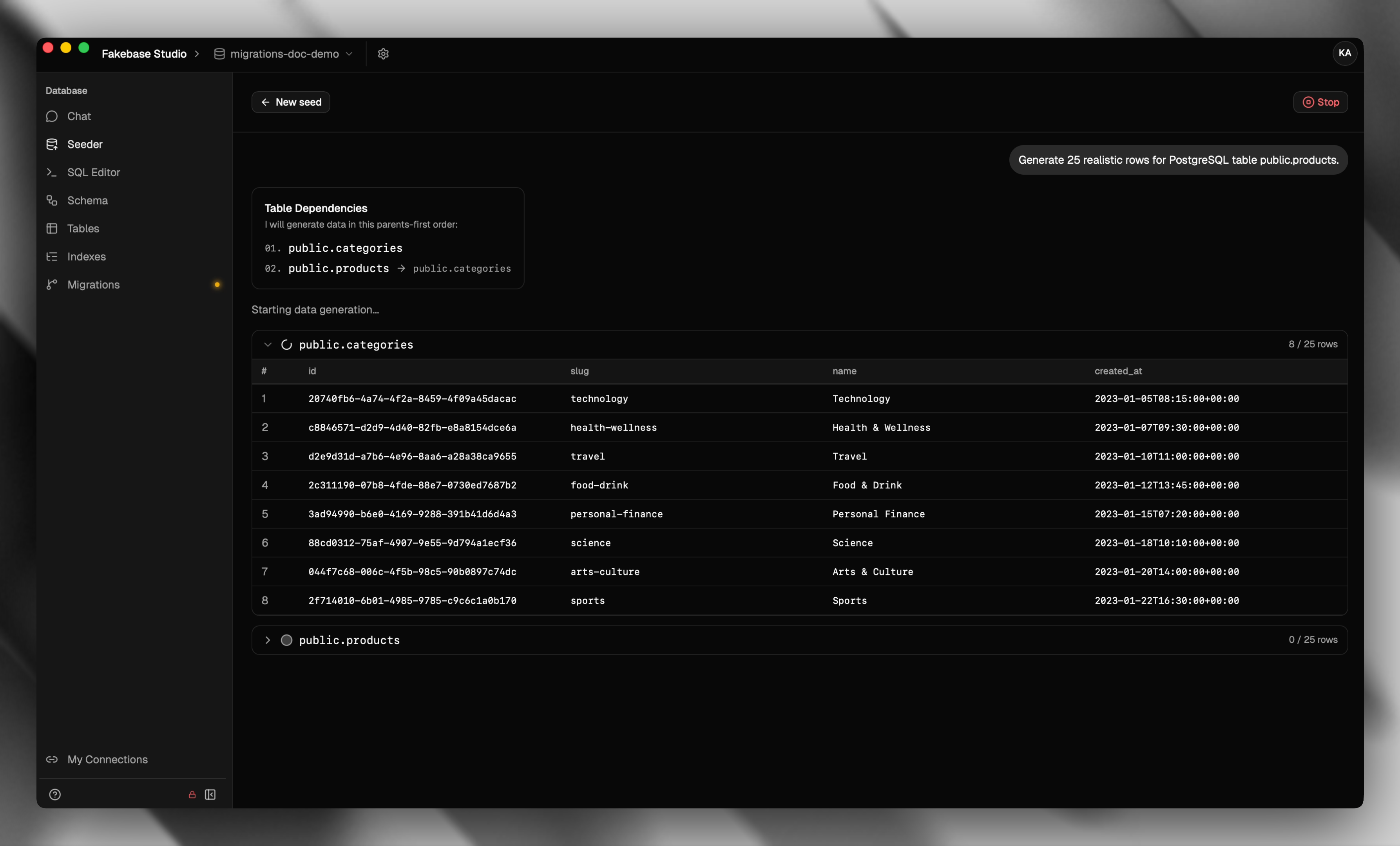
The seeder fills a table with realistic sample rows based on your columns, types, and foreign keys. You pick a table and a row count — Fakebase generates values that fit the schema.
Seed from the Seeder
- Open Seeder in the sidebar.
- Choose the table you want to fill.
- Set how many rows to generate (up to 50).
- If the table references another table, choose Generate References to create parent rows, or Use Existing References to attach to a row that already exists.
- Choose Generate only to preview, or Generate and insert to write the rows immediately.
- Review the generated rows, then insert if you generated only.
Use Stop to cancel a run, or New seed to start over. After a successful insert you can open the table in Tables.
Seeding is disabled for auth tables. If a table depends on auth-managed data, use existing parent rows instead of generating new references.
Seed from a table
You can also seed from the data grid:
- Open Tables, select a table, and stay on the Data tab.
- Choose Insert, then Generate & insert.
- Set the row count and start generating.
This path generates and inserts in one step — there is no separate preview.