Get started
Download Fakebase, create an account, and sign in to the desktop app.
Welcome to Fakebase Studio. Start by installing the macOS app and creating an account, then sign in so the desktop app is connected to your Fakebase account.
Download & create an account
You can do these in either order:
Once the app is installed and you have an account, you are ready to sign in.
Sign in
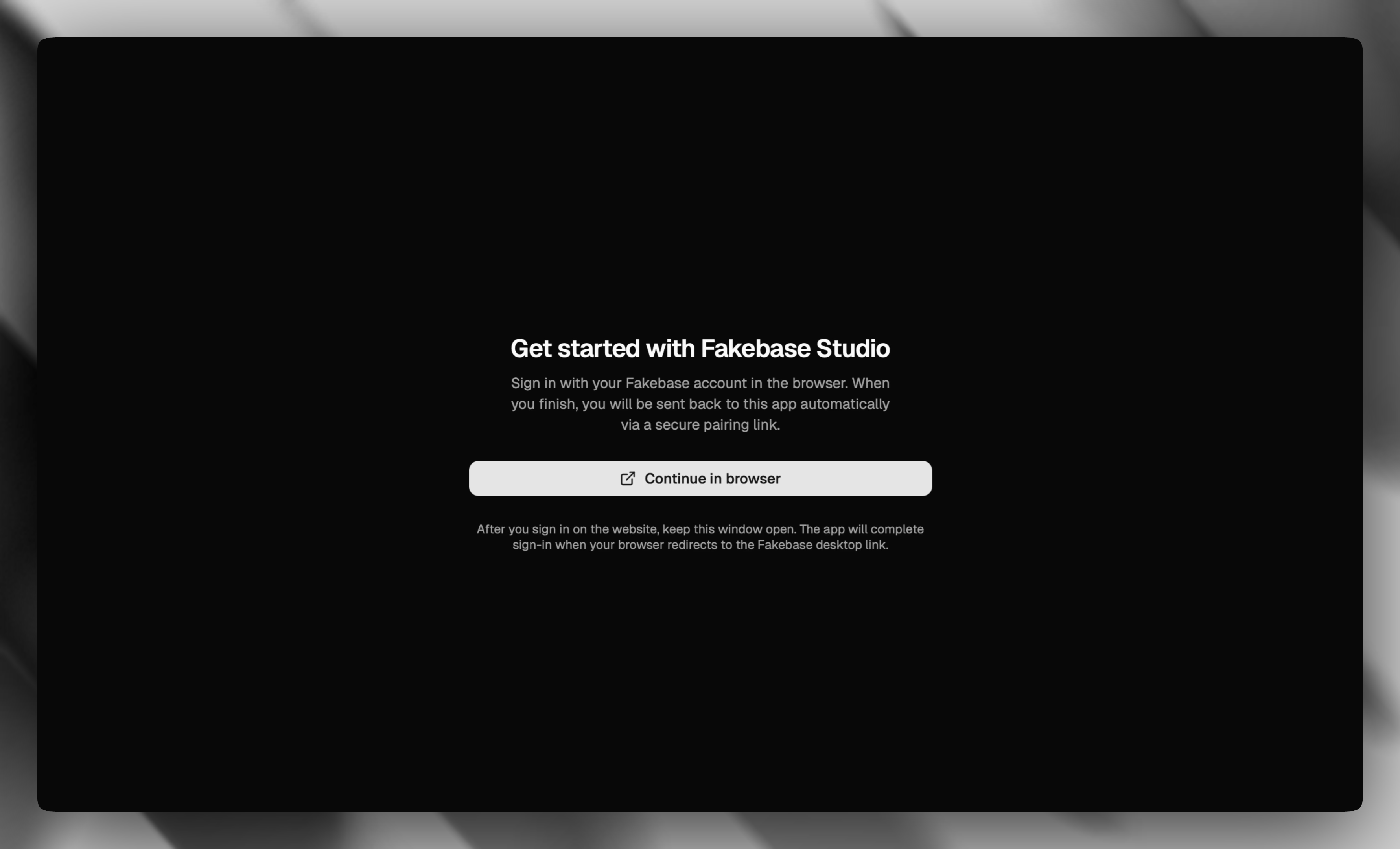
When you first open Fakebase Studio, choose Continue in browser. Keep this window open while you finish in the browser.
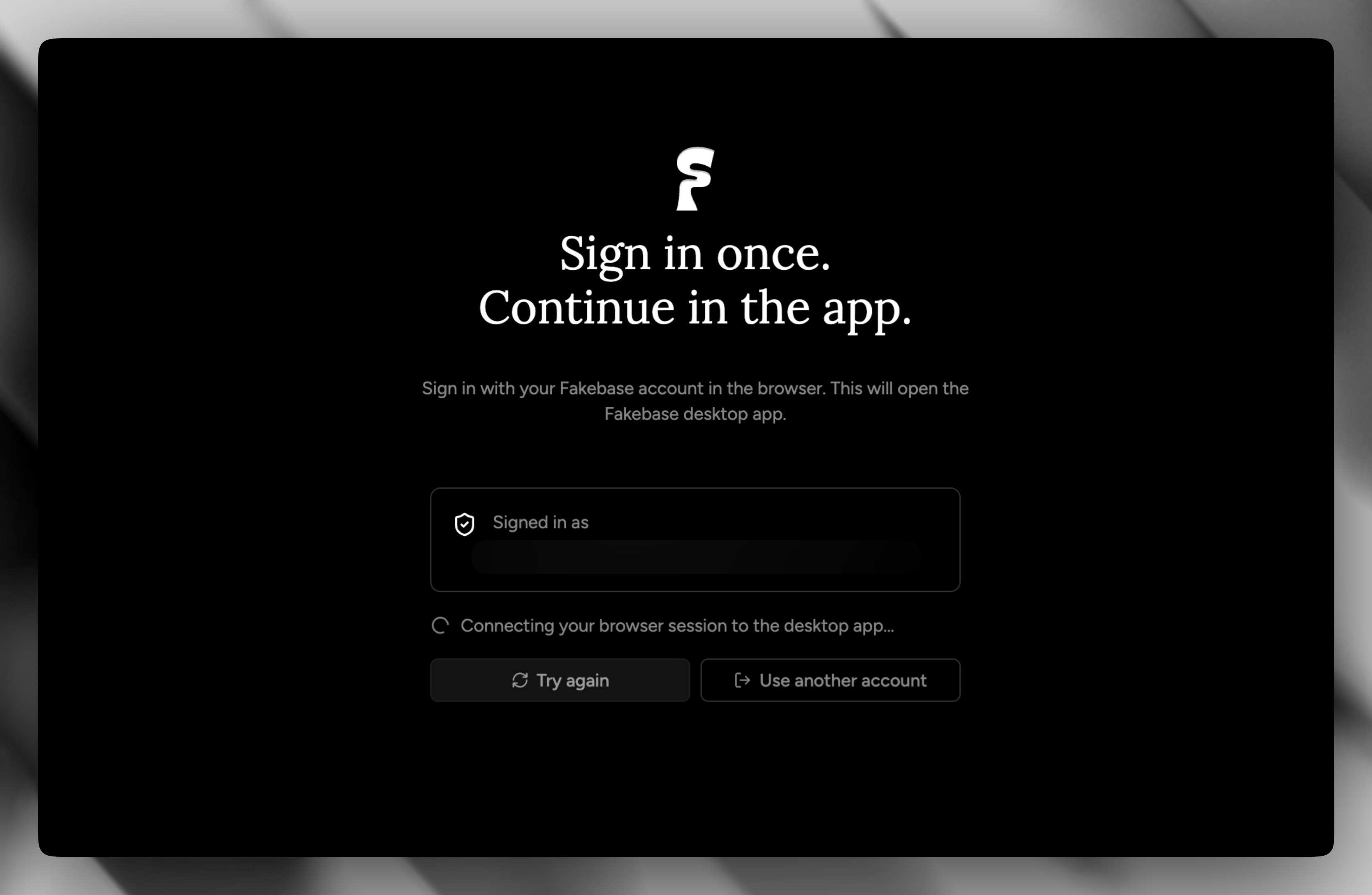
Your default browser opens the Fakebase sign-in page. Sign in with GitHub, Google, or the email and password you used when creating your account. After a successful sign-in, the browser pairs your session and returns you to the desktop app automatically.
If macOS asks for permission to open Fakebase, allow it so the app can finish signing you in.